Sound Forge Pro vs Audacity — Which One Should You Use?
Every few weeks someone asks me this. Usually it goes: "I want to edit audio, why would I pay for Sound Forge Pro when Audacity is free?" That framing tells me the person hasn't used either tool for anything serious yet — because price is maybe the fifth most important difference between them.
I've used both. Audacity was where I cleaned up early home recordings before I knew what I was doing. Sound Forge Pro came later, when I needed actual mastering tools and stopped pretending Audacity's normalize button was a mastering workflow. They're both legitimate. They're just not competing for the same job.
Quick Comparison Table
| Feature | Sound Forge Pro | Audacity 3.7 |
|---|---|---|
| Price | Paid (subscription or perpetual) | Free, open source |
| Platform | Windows only | Windows, macOS, Linux |
| Multitrack recording | No | Yes |
| Sample-level editing | Yes — built for it | Limited |
| Real-time LUFS metering | Yes | No |
| iZotope noise reduction | Yes (licensed DSP) | No (basic built-in only) |
| Batch processing | Yes (visual interface) | Yes (Macro system) |
| VST2/VST3 support | Yes + DirectX | Yes (effects only) |
| WAV/FLAC export | Yes | Yes |
| Non-destructive editing | Limited | Yes (since v3) |
| Apple Silicon / Linux | No | Yes |
| ACX audiobook check | Manual via metering | Plugin available |
What Each Tool Is Actually For — Because People Get This Wrong
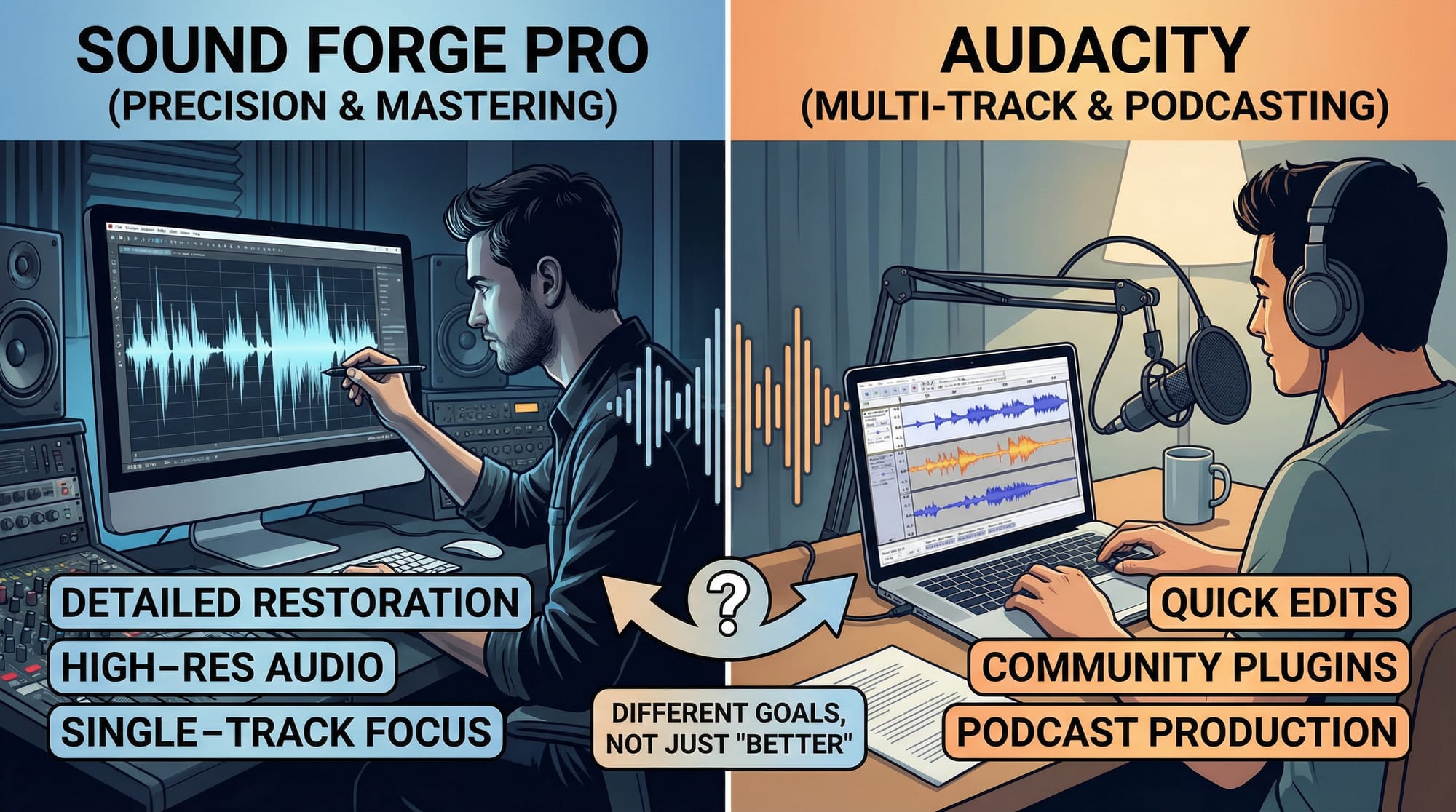
Sound Forge Pro is a single-file waveform editor. One file, deep tools, export. No multitrack arrangement, no MIDI, no virtual instruments. The interface is built around the assumption that your mix already exists and you need to finish it — master it, restore it, clean it up at the sample level. Last step in the chain, not the middle one.
Audacity sits somewhere between a waveform editor and a light multitrack environment. Record multiple tracks, stack them, apply effects non-destructively since version 3, export. Wider in scope than Sound Forge Pro but shallower in every specific area. For anyone who needs to record and edit audio without paying anything, it does the job — and I'm not being dismissive when I say that.
The mistake is using Audacity as a mastering tool because it's free, or trying to build a multitrack arrangement in Sound Forge Pro because it looks like it should support that. Both paths end badly.
Platform: If You're on Mac or Linux, This Section Is Your Answer
Audacity runs on Windows, macOS, and Linux. Natively on Apple Silicon. Audacity on Linux is well-maintained and one of the few audio editors that actually works properly on that platform without configuration headaches.
Sound Forge Pro is Windows-only. The Mac version was discontinued before Boris FX bought it from MAGIX in March 2026, and Boris FX hasn't said anything about bringing it back. If you're on macOS or Linux, Sound Forge Pro is not a choice right now — that's the entire answer for you, before you spend another ten minutes on this page.
Audio Editing Depth
Sample-level precision
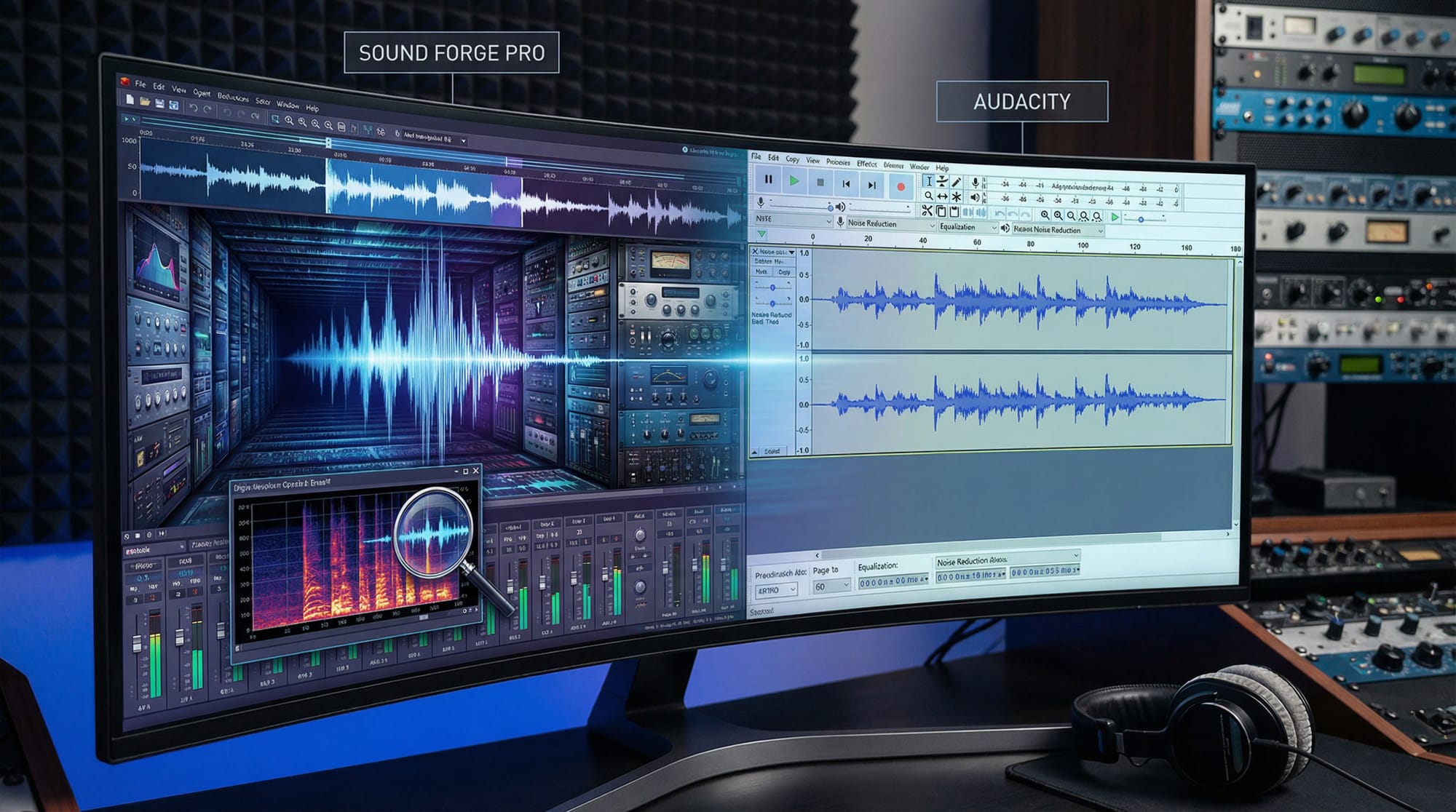
Sound Forge Pro lets you zoom in to individual samples and work at that resolution. Fix a zero-crossing to stop a click on an edit point, remove a single clipped transient, cut out a breath that sits exactly between two words. The interface is designed around this kind of work. After a few sessions it becomes fast in the way that any tool becomes fast when you're using it the way it was designed to be used.
Audacity has waveform editing, but the granular work is slower. Trimming and cutting are accurate enough for most situations, but if you're doing dialogue cleanup where individual transients matter, the workflow difference between the two adds up across an afternoon of editing. For a podcast going up Tuesday, it won't be noticeable. For paid post-production work, it will.
Destructive vs non-destructive
Audacity has moved toward non-destructive editing since version 3 — apply effects to clips, tweak them later without re-rendering. Not as deep as a full DAW, but it covers what most podcast and voice-over work actually requires.
Sound Forge Pro is fundamentally destructive. Apply a process, the waveform changes. There's undo, but the mental model is different from a stack of adjustable effects. Some mastering engineers prefer this — what you see in the waveform is exactly what's in the file, no rendering surprises on export. I've worked both ways depending on the project and neither is wrong, they just suit different habits.
Noise reduction and audio restoration
Sound Forge Pro's restoration suite uses licensed iZotope DSP — the same algorithms iZotope ships in its standalone tools. Broadband noise reduction, click and pop removal, clipping repair, de-essing. On recordings with complex background noise — not just a clean hiss but interference, layered room sounds, inconsistent levels — the iZotope tools outperform Audacity's built-in reduction by a noticeable margin.
Audacity's noise reduction uses the noise-profile method: capture a few seconds of clean background noise, apply reduction to the rest. Works fine on a recording made in a quiet room with some air conditioning in the background. On a recording made in a difficult environment, it starts falling apart where Sound Forge Pro's suite keeps going.
Recording: Audacity Wins, No Contest
Audacity records multiple inputs simultaneously, lets you layer takes in a basic timeline, and keeps everything in one application. Two-person podcast, singer tracking over a backing track, voice actor doing pickups — this workflow handles it without opening anything else.
Sound Forge Pro records up to 32 channels at up to 64-bit/192 kHz sample rate. ASIO driver support keeps monitoring latency low enough for live tracking through an audio interface. The recording interface is clean and direct — less project management overhead. But it captures one thing cleanly and stops there. Stack takes, route through multiple tracks, build any kind of arrangement — that all requires a different application.
For most home recording scenarios, Audacity does the whole session. Sound Forge Pro does one part of it well.
Mastering and LUFS: Where I Stopped Using Audacity for Finished Music
The mastering chain in Sound Forge Pro covers EQ, multi-band compression, the Wave Hammer peak limiter, and real-time simultaneous display of LUFS, True Peak, and RMS. When I'm finishing a track and need to hit Spotify's -14 LUFS integrated target without clipping on True Peak, I can watch all three numbers move as I adjust the limiter. That feedback loop is how you actually master something — not run a calculation after the fact and hope for the best.
Audacity has loudness normalization that hits a LUFS target on export. That's a different thing. You're not monitoring integrated loudness while you adjust EQ or compression — you're applying a number at the end. For a podcast episode going to Apple Podcasts at -16 LUFS, Audacity's normalize function is enough. For music you're delivering to streaming distribution where the mastering decisions are creative and loudness-dependent, it isn't.
Output formats are a non-issue for both tools — WAV, FLAC, MP3 export with dithering options work in Sound Forge Pro, and Audacity exports to the same formats with FFmpeg installed. That's not where the difference lives.
Batch Processing: Audacity Can Do It Too — Just Differently
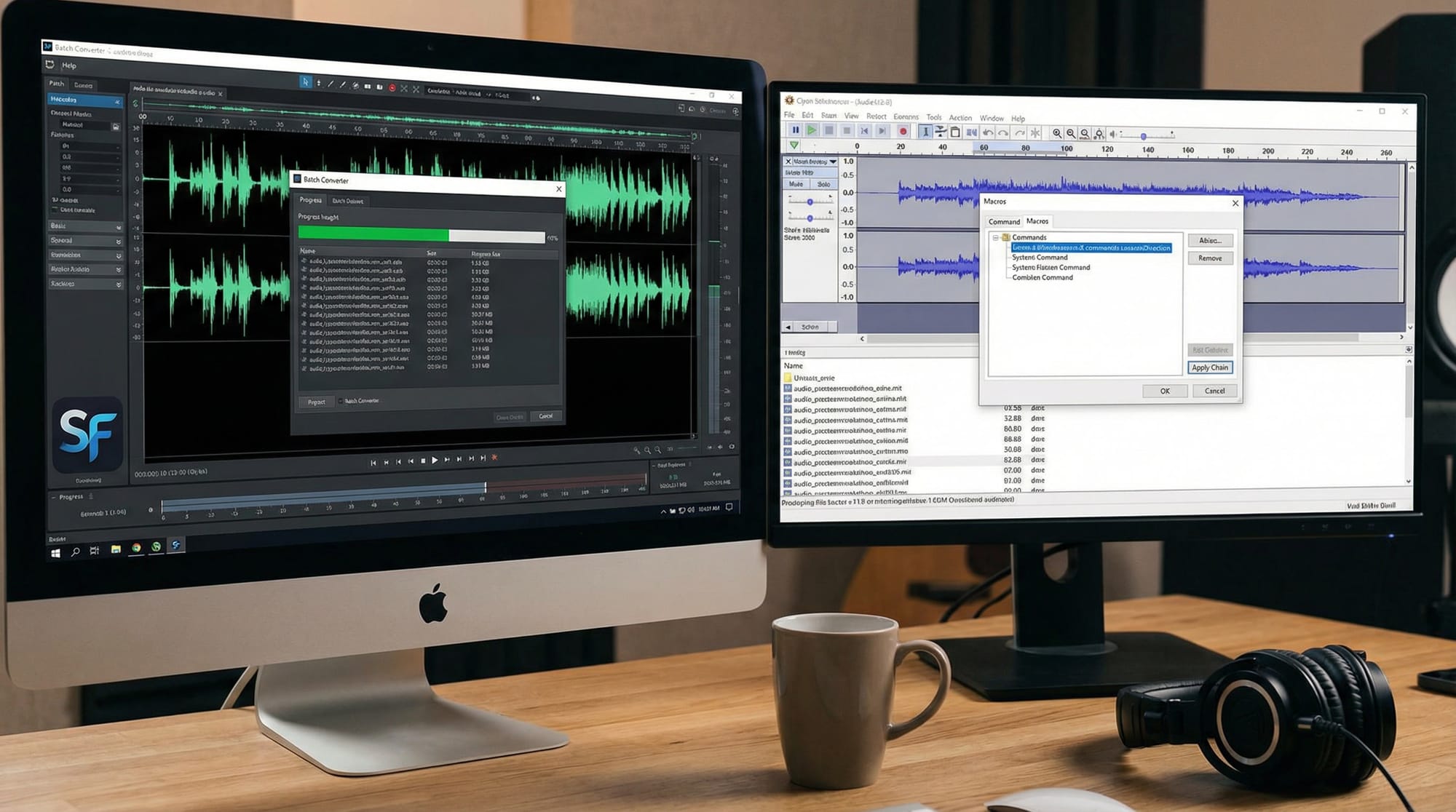
Audacity's Macro system builds chains of effects and applies them to entire folders. Normalize, convert format, export. It works, it's free, and once set up it runs reliably. For podcast editors processing weekly episodes to a consistent standard, this is enough.
Sound Forge Pro's batch processor is visual — you build the chain in a GUI instead of writing macro syntax, and you can see what each step does before running it. For complex chains with six or more steps, or when you're processing archival material that might behave inconsistently, the visual feedback when something goes wrong is faster to debug. Not a dealbreaker in Audacity's direction, but a real workflow difference at scale.
VST Plugins
Audacity supports VST2 and VST3 effects as realtime plugins since version 3.2 — stack them on tracks, adjust without re-rendering. No VST instruments. Nothing that generates audio rather than processing it.
Sound Forge Pro adds DirectX plugin support on top of VST2 and VST3. If you have an older plugin that ships as DirectX only and haven't found a replacement, Sound Forge Pro runs it. Audacity doesn't. For most people this is irrelevant. For people with legacy plugin setups, it matters.
Audacity 4: Coming, Not Here Yet, Worth Knowing About
Audacity 4.0 is in Alpha 2 as of April 2026. Muse Group rebuilt the UI on Qt, replacing wxWidgets — the framework behind most of Audacity's long-standing interface problems. The changes aren't cosmetic. Smoother clip handling, track-level meters, smarter paste behavior, and fewer situations where the software blocks an action without telling you why. Anyone who has pasted audio somewhere Audacity refused to accept it knows exactly what I mean.
It's still in alpha and not for production use. The download for actual work is 3.7.x. But if you're picking a tool for the next two years, Audacity's direction is worth factoring in — version 4 will close some gaps that currently make Sound Forge Pro the default for precision work.
Pricing: Free Is Real, "Free" Isn't Always Enough
Audacity is free, GPL licensed, no subscription, no tiered features, no paywall. Muse Group has committed to keeping it free. That's a real advantage, not just a selling point.
Sound Forge Pro is paid — annual subscription or perpetual license through the Boris FX webshop. 30-day free trial, no credit card required. Former MAGIX customers on Sound Forge Pro 18 can upgrade at a reduced price through December 5, 2026.
The question isn't "why pay when free exists?" It's "what does Sound Forge Pro give me that Audacity doesn't, and does my work require it?" If you're editing podcasts or doing casual audio work, download Audacity and stop reading. If you're mastering music for distribution, doing regular restoration, or processing large archives, Sound Forge Pro's iZotope suite and real-time LUFS metering save enough time to pay for themselves — time is money even when the software is free.
Which One to Use
Use Audacity if: you're on Mac, Linux, or Windows and need multitrack recording in one application. It handles podcast recording and editing, voice-over work, format conversion, and basic restoration without paying anything. Audacity on Linux is particularly strong — it's one of the best-maintained audio tools for that platform. Audacity 3.7 is stable and version 4 will make it better.
Use Sound Forge Pro if: you're on Windows and you work on finished audio — mastering tracks to streaming standards, restoring damaged recordings, doing post-production dialogue cleanup, or batch-processing archives with complex chains. The iZotope restoration tools and real-time LUFS metering are the two reasons I've kept it in my setup even when simplifying everything else.
Use both if: you record and arrange in Audacity or a DAW, export a stereo mix, then bring it into Sound Forge Pro for mastering and cleanup. That's not an unusual workflow — it's how a lot of people who produce music independently actually operate, myself included. The tools cover different steps, not the same one.
Frequently Asked Questions
Is Sound Forge Pro better than Audacity?
For mastering, audio restoration, and sample-level editing on Windows — yes. For multitrack recording, Mac or Linux use, or any situation where budget is the constraint — Audacity is the right call. They're better at different things.
Can Audacity replace Sound Forge Pro?
For most podcast and casual audio work, yes. For professional mastering with real-time LUFS monitoring or iZotope-grade noise reduction, Audacity doesn't cover it without adding third-party plugins — which eventually costs money anyway.
Does Audacity support VST plugins?
Yes — VST2 and VST3 effects as realtime plugins since version 3.2. No VST instruments.
Is Audacity good enough for podcast editing?
Yes. Recording, editing, noise reduction, loudness normalization, WAV and MP3 export — Audacity handles the full podcast workflow for free. It's the most widely used free podcast editing tool for that reason.
Does Sound Forge Pro run on Mac?
No. The Mac version was discontinued before the Boris FX acquisition in March 2026, and there's no announced timeline for a return. Windows only for now.
What is Audacity 4 and when does it come out?
Audacity 4 is a full UI rebuild on Qt — better clip handling, track-level meters, fewer blocking restrictions. Currently in Alpha 2 as of April 2026. No official release date for stable. Current production version is 3.7.x.
Which is better for ACX audiobook standards?
Both can hit ACX specs: noise floor below -60 dB RMS, loudness between -23 and -18 dB RMS, True Peak below -3 dBTP. Audacity has an ACX check plugin that measures compliance directly. Sound Forge Pro's metering and iZotope noise reduction get you there faster on difficult recordings.
Does Audacity work well on Linux?
Yes — Audacity is one of the best-maintained audio editors for Linux. The AppImage works on most distributions without extra configuration, and the community actively supports Linux-specific issues.