Sound Forge Pro vs Adobe Audition — Full Comparison
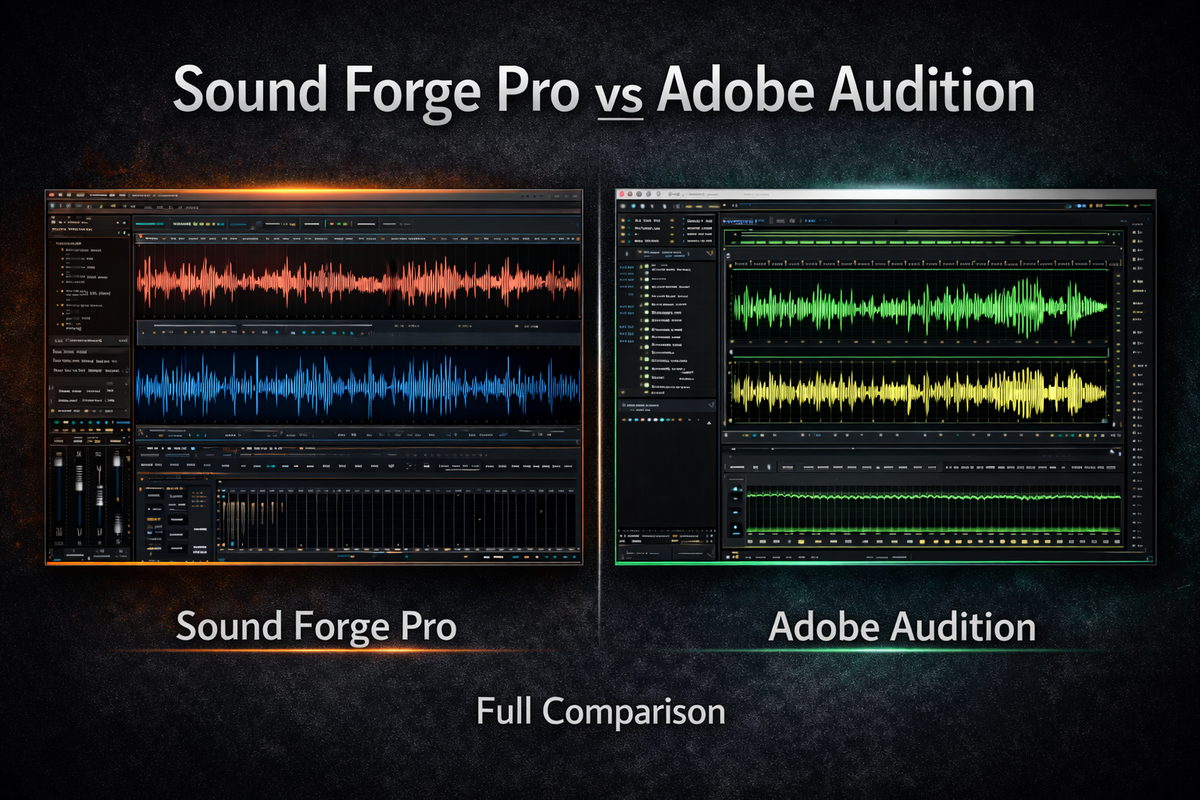
This one is trickier than Sound Forge Pro vs Audacity. Both tools cost money. Both run on Windows and Mac (well, Audition does — more on Sound Forge Pro and Mac in a moment). Both do noise reduction, mastering, and waveform editing. At first glance they look like direct competitors for the same user.
They're not. I've spent time in both, and the overlap is narrower than the feature lists suggest. Where they diverge — the workflow assumptions baked into each tool, who they were built for — that's what this comparison is actually about.
Adobe Audition is currently on version 26.0, released January 2026, adding native Windows ARM support. Sound Forge Pro is now under Boris FX after the March 2026 acquisition from MAGIX.
Quick Comparison Table
| Feature | Sound Forge Pro | Adobe Audition v26.0 |
|---|---|---|
| Platform | Windows only | Windows + macOS (Apple Silicon native) |
| Pricing model | Subscription or perpetual license | Subscription only ($22.99/mo annual) |
| Free trial | 30 days, no credit card | 7 days, credit card required |
| Multitrack editing | No | Yes — unlimited tracks |
| Single-file waveform editing | Yes — built for it | Yes — but secondary to multitrack |
| Real-time LUFS metering | Yes (LUFS + True Peak + RMS) | Yes (Match Loudness panel) |
| Spectral frequency display | WaveColor (pitch/saturation) | Full spectral display + Lasso tool |
| Noise reduction quality | iZotope DSP (licensed) | Built-in adaptive noise reduction |
| Premiere Pro integration | No | Yes — native round-trip |
| Essential Sound panel | No | Yes |
| Batch processing | Yes (visual interface) | Yes (scripts + batch) |
| VST2/VST3 + DirectX | Yes | VST3 only (no DirectX) |
| Perpetual license option | Yes | No |
| ASIO driver support | Yes | Yes |
The Core Design Difference Nobody Explains Clearly
Adobe Audition is a DAW that also has an excellent waveform editor built in. It thinks in sessions — multitrack timelines, routing, automation, mixing multiple clips together. The waveform editor exists for single-file work, and it's good, but the whole interface is organized around the session-based workflow.
Sound Forge Pro is a waveform editor, full stop. One file, deep tools, export. It doesn't have a multitrack mode. The interface is built around the assumption that you already have a mix — now you need to do something precise to it.
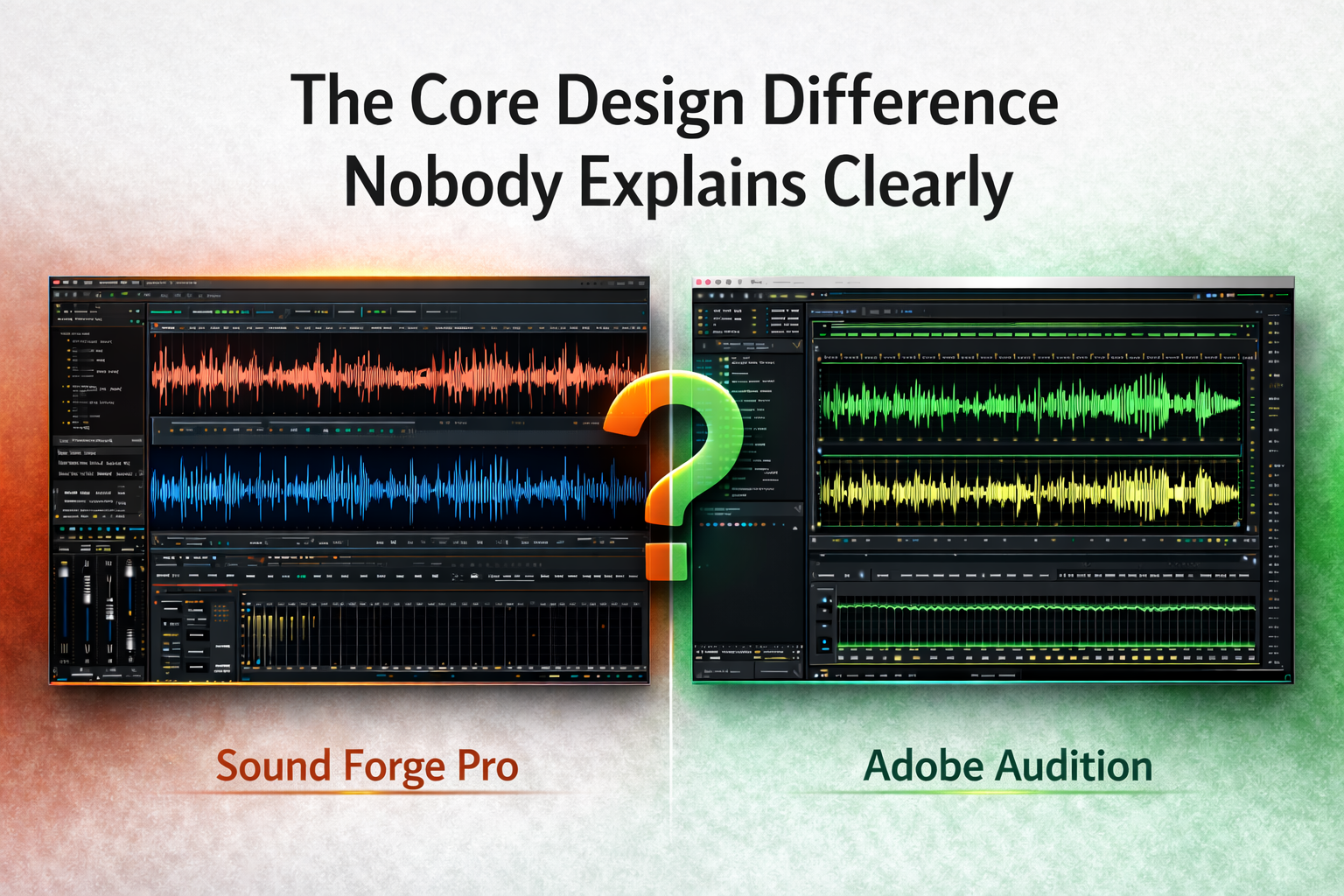
That difference matters more than any specific feature comparison. If your workflow involves building sessions — recording multiple tracks, mixing them, editing the arrangement — Audition is the right environment and Sound Forge Pro will frustrate you fast. If your workflow is primarily finishing single files — mastering, restoration, post-production cleanup — Sound Forge Pro is the more focused tool for that specific work, and Audition's session overhead is noise you don't need.
Platform: Mac Users Need to Know This Upfront
Adobe Audition v26.0 runs natively on both Windows and macOS, including Apple Silicon. No Rosetta, no emulation layer, no performance hit on M-series hardware.
Sound Forge Pro is Windows-only. The Mac version was discontinued before Boris FX acquired it from MAGIX in March 2026. Boris FX hasn't announced any Mac plans. If you're on macOS and this comparison is what you're using to decide, the answer is Audition — not because it's better in every category, but because Sound Forge Pro isn't an option for you right now.
Waveform Editing: Closer Than You'd Expect, Different in the Details
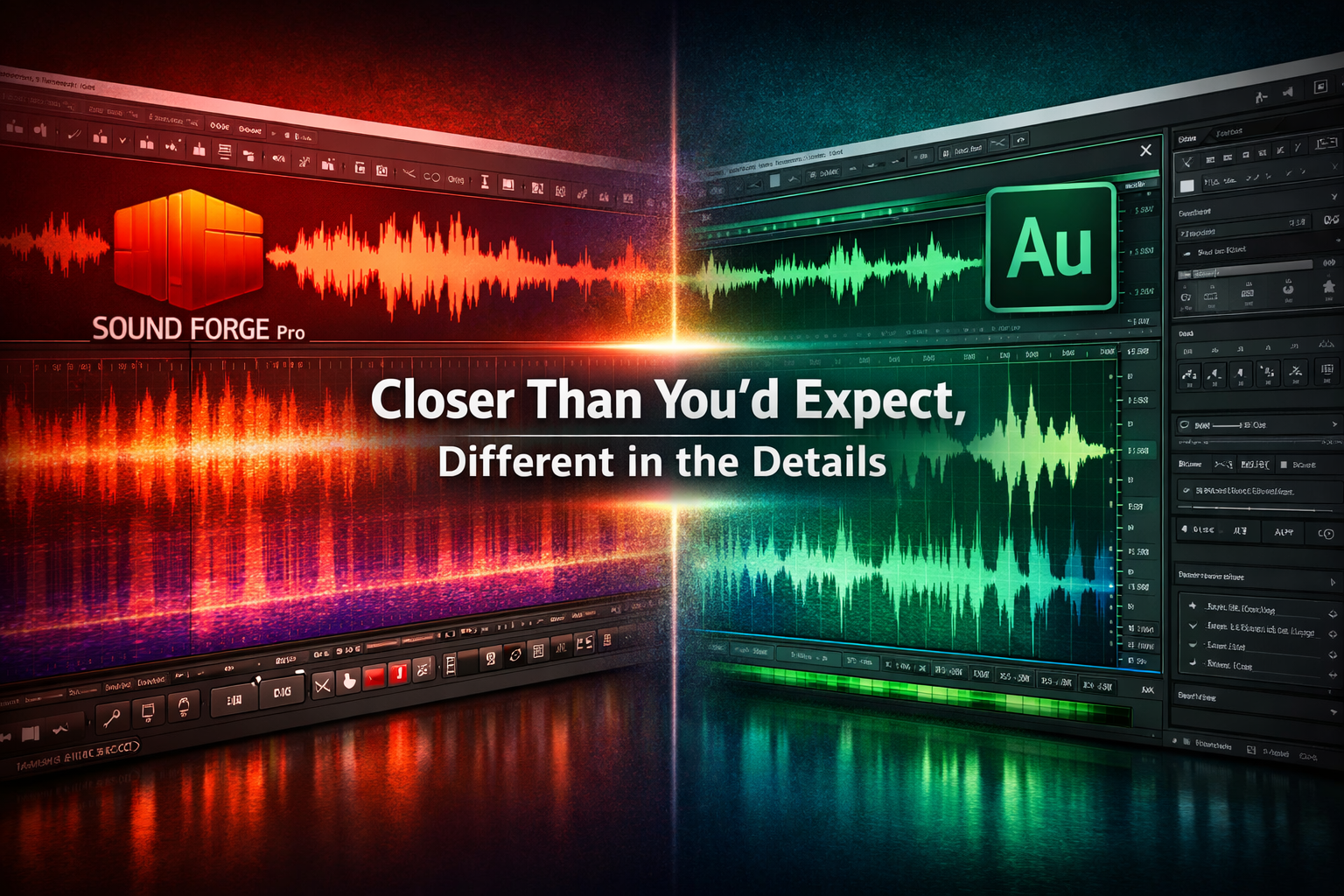
Both tools edit audio at the waveform level. The gap isn't as wide as it looks on paper, but it shows up in specific situations.
Sound Forge Pro's sample-level editing is the sharpest I've used in a dedicated editor. You can zoom into individual samples, fix a zero-crossing to eliminate a click, remove a single clipped transient without touching the surrounding audio. The WaveColor display — which color-codes the waveform by pitch, saturation, and character — lets you spot problem areas visually before you listen to them. After a few projects in Sound Forge Pro, you start reading WaveColor automatically, the way a musician reads pitch on a spectrum analyzer.
Audition's spectral frequency display goes further for frequency-domain work. You can see the full frequency content of an audio file as a color-coded map — dark blue for low amplitude, bright yellow for high — and use the Lasso tool to draw freeform selections around noise artifacts and delete them without touching the surrounding audio. Removing a cough from a recording without affecting the words on either side is cleaner in Audition's spectral display than in Sound Forge Pro's waveform view. Dialogue editors tend to prefer Audition specifically for this.
Sample-level transient work: Sound Forge Pro. Frequency-domain noise removal and visual diagnostics: Audition.
Multitrack Recording and Mixing
Audition handles up to 32 simultaneous recording inputs, unlimited tracks, full automation, clip effects, and proper session management. It's a complete multitrack environment — not as deep as Pro Tools or Logic, but more than capable for post-production, podcast production, and any project that requires building something from multiple sources.
Sound Forge Pro doesn't have multitrack. Not a simplified version of it, not a timeline — nothing. If you need to record two people simultaneously and mix them, you're opening a different application. This isn't a complaint about Sound Forge Pro's design; it was never meant for session work. But it's a hard limit that matters if your work involves building audio rather than finishing it.
The Adobe Ecosystem: Asset or Lock-in, Depending on Your Setup
If you're already using Premiere Pro for video editing, Audition's integration with it actually saves time. You send a sequence from Premiere to Audition with one click, edit the audio in a dedicated environment, and the changes land back in Premiere automatically — no export, no re-import, no sync headaches.
If you're not in the Adobe ecosystem, this integration is irrelevant, and you're paying for something you won't use. Audition at $22.99 a month standalone is harder to justify when you're not getting the Premiere Pro workflow benefit. Sound Forge Pro's perpetual license option becomes more attractive in that context — you pay once, you own it.
The Essential Sound panel in Audition deserves a mention. It's a simplified interface that lets you tag audio — "this is dialogue," "this is music," "this is ambience" — and applies sensible processing presets for each type. Adobe built it for video editors who need audio to sit right in a cut without learning signal processing from scratch. Sound Forge Pro has nothing like it. If you're that person, Audition has a feature you'd use daily that Sound Forge Pro simply doesn't offer.
Mastering and LUFS: Both Cover It, Differently
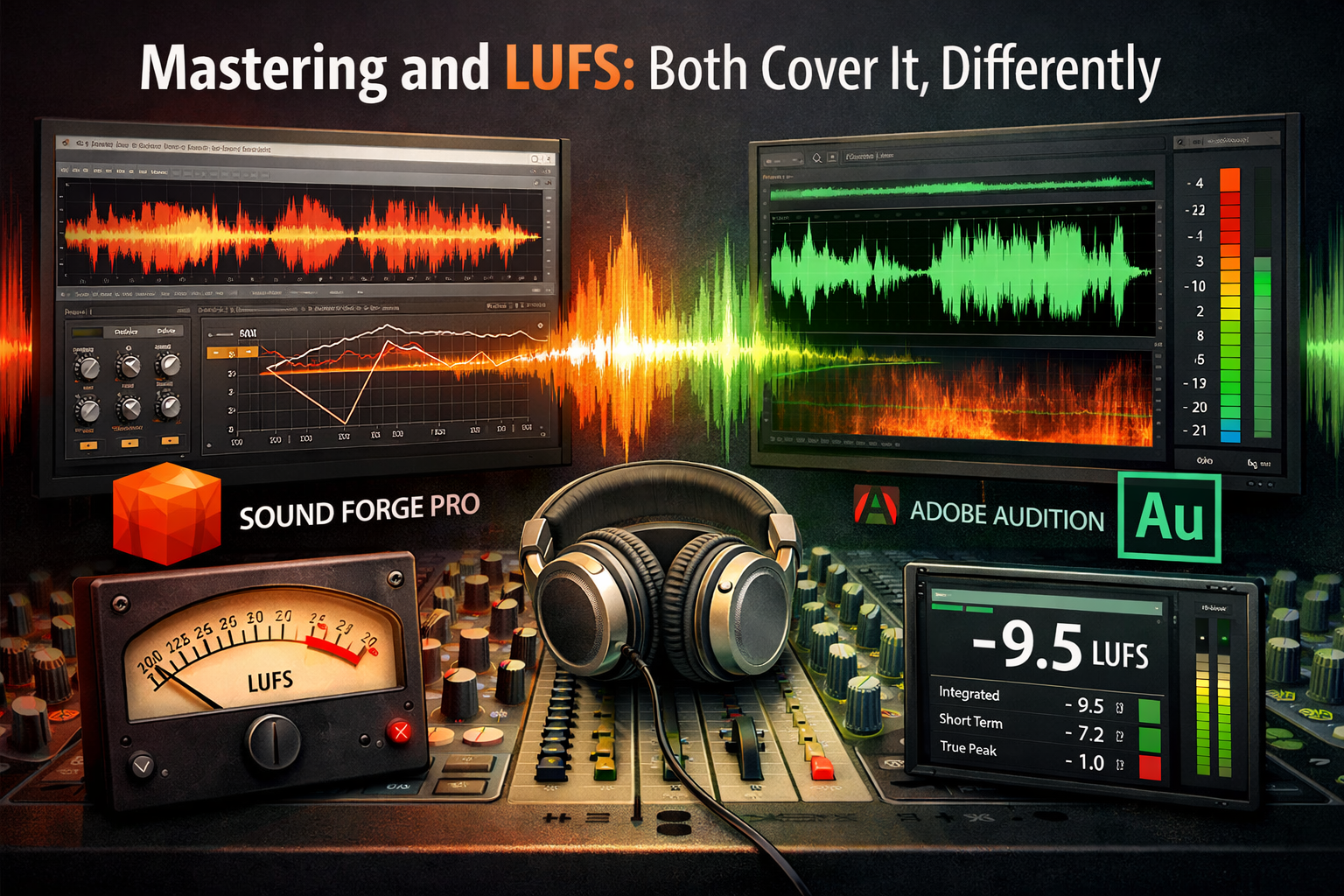
Sound Forge Pro's mastering chain is EQ, multi-band compression, the Wave Hammer peak limiter, and real-time simultaneous display of LUFS, True Peak, and RMS. When I'm finishing a track for Spotify's -14 LUFS integrated target, I can watch all three numbers in real time as I adjust the limiter. The feedback loop between what I'm doing with the limiter and what the LUFS meter reads is direct. That's what mastering in a waveform editor feels like when it's working properly.
Audition has the Match Loudness panel, which normalizes one or more files to a target LUFS level. It's a different workflow — more automatic, less hands-on. You tell it what target you want, it processes the files and hits the number. For podcast editors who need every episode at -16 LUFS before upload, this is faster. For music mastering where loudness decisions are creative and interact with compression and EQ choices, it skips the part of the process where mastering actually happens.
For mastering work, Sound Forge Pro's manual real-time chain is the better tool. For loudness-normalizing a batch of already-finished files, Audition's Match Loudness is faster and doesn't require hands-on monitoring.
Noise Reduction and Audio Restoration
Sound Forge Pro's restoration suite uses licensed iZotope DSP — broadband noise reduction, click and pop removal, clipping repair, de-essing. The noise reduction handles complex backgrounds better than a standard adaptive algorithm, especially on recordings with layered interference rather than clean hiss.
Audition has adaptive noise reduction, a DeClicker, a DeClipper, and a DeHummer — the same restoration toolkit broadcast engineers have been using for years. The spectral frequency display makes it faster to visually identify and remove specific noise artifacts. For dialogue post-production — the use case Audition was partly built for — the combination of adaptive noise reduction and spectral editing is effective and fast.
On difficult recordings, Sound Forge Pro's iZotope suite performs better. On standard voice content — podcast, voice-over, broadcast — Audition's built-in tools handle it without needing to reach for anything external. The gap matters less for common scenarios than it does for challenging material.
Pricing: The Perpetual License Question
Adobe Audition is $22.99 a month on an annual standalone plan, or folded into Creative Cloud All Apps at $69.99 a month. There is no perpetual license — you pay every month or you lose access. The free trial is 7 days and requires a credit card. If you forget to cancel, you're billed.
Sound Forge Pro offers both an annual subscription and a perpetual license. The 30-day free trial needs no credit card. Former MAGIX customers on Sound Forge Pro 18 can upgrade at a reduced price through December 5, 2026, via the Boris FX webshop.
Over three years, Audition standalone runs about $828. A perpetual Sound Forge Pro license — bought once, used indefinitely — cuts that number to a single payment. If you're not in the Adobe ecosystem for other reasons and don't need the Premiere Pro round-trip, that cost difference is worth doing the math on before committing to a subscription.
Audition 26.0 Has Known Session Issues — Worth Knowing
Adobe Audition 26.0 launched with session compatibility issues — users on the Adobe community forums reported that projects saved in Audition 2025 couldn't reliably open in version 26.0, and some broadcast radio stations reverted to the previous version to keep working. This is worth knowing if you're considering upgrading or switching to a version that's only a few months old. Adobe typically patches these within a few weeks, but it's a pattern in Audition releases and worth factoring in if workflow stability is non-negotiable for you.
Sound Forge Pro has had its own stability history over the years, though the 2026 ownership transition to Boris FX was described explicitly as maintaining the existing development teams in Madison and Germany — the engineers who know the codebase are still there.
Who Should Use Which
Use Adobe Audition if: you're on macOS, you already use Premiere Pro for video work and want the round-trip audio workflow, you need multitrack recording and mixing in your audio editor, or the Essential Sound panel's simplified approach fits how you work. The Creative Cloud all-apps plan makes Audition's cost reasonable if you're already in that ecosystem.
Use Sound Forge Pro if: you're on Windows, your work is mastering and finishing single files rather than building sessions, you want a perpetual license rather than a subscription, or you need iZotope-quality noise reduction without paying iZotope prices. The real-time mastering chain and sample-level editing are built for exactly that work in a way Audition's session-focused interface isn't.
Some people use both. Audition for session work and Premiere Pro integration, Sound Forge Pro for mastering the final stereo output. That's a common professional setup — the tools cover different stages of the same project, not the same stage twice.
Frequently Asked Questions
Is Sound Forge Pro better than Adobe Audition?
For single-file mastering and sample-level waveform editing on Windows — Sound Forge Pro has better tools for that specific work. For multitrack session editing, macOS use, or projects tied to Premiere Pro — Audition is the more capable environment. Neither is universally better.
Does Adobe Audition have a perpetual license?
No. Adobe Audition is subscription-only at $22.99/month (annual plan) or $69.99/month as part of Creative Cloud All Apps. There is no one-time purchase option.
Can Adobe Audition open Sound Forge Pro files?
Sound Forge Pro saves audio as standard formats — WAV, FLAC, MP3, and others. Audition opens these without issues. Project files in either application's proprietary format are not cross-compatible.
Does Sound Forge Pro integrate with Premiere Pro?
No native integration. You export audio from Sound Forge Pro as a standard file and import it back into Premiere manually. Audition's round-trip workflow with Premiere is a feature Sound Forge Pro doesn't offer.
Which is better for podcast editing?
For a podcast that involves recording multiple hosts, building an episode from multiple tracks, and adding music and effects — Audition's multitrack environment handles this more naturally. For mastering finished podcast audio to a loudness standard, Sound Forge Pro's tools are cleaner for that final step.
What happened to Sound Forge Pro in 2026?
Boris FX acquired Sound Forge Pro from MAGIX Software GmbH on March 30, 2026. The development team remained intact. The software is now sold through vegascreativesoftware.com.
Is Adobe Audition worth it without Creative Cloud?
At $22.99/month standalone with no perpetual option, Audition is a harder sell if you don't use other Adobe tools. If you edit video in Premiere Pro, the round-trip workflow justifies it. If you only need audio editing, Sound Forge Pro's perpetual license or a one-time purchase like iZotope RX may be more cost-effective over several years.